Browse categories
English
$
USD
Connect to your AI
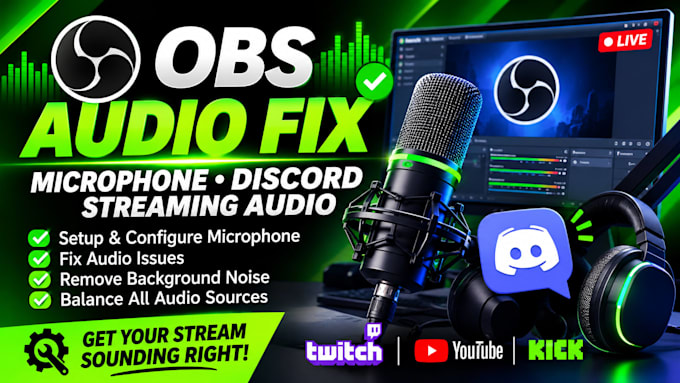
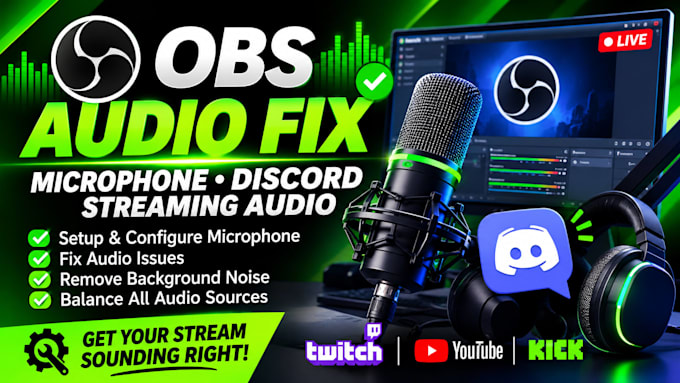
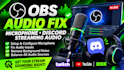
Are you having trouble with your OBS microphone, Discord audio, or streaming sound?
I will help you fix your audio problems and set up a clean, balanced sound system for your streams.
Whether your microphone is not working, your Discord audio is too low, your stream has an echo, or your background noise is distracting, I can help you get everything working properly.
What I can help you with:
Why work with me?
I want to make sure your microphone, Discord, and OBS audio work together smoothly so your viewers can hear you clearly.
Send me a message before ordering if you have a specific audio problem. Let's get your stream sounding right!
Software:
Streamlabs OBS
Platform:
•
Twitch
•
YouTube
•
Kick
Purpose:
Gaming
•
Music
•
Lifestyle
•
Business
•
Streamshare
•
Webinar
1. Can you fix my OBS microphone if it is not picking up sound?
Yes! I can troubleshoot your microphone and configure OBS so it picks up your voice correctly.
2. Can you connect Discord audio to OBS?
Yes, I can configure Discord and OBS so your voice chat is properly included in your stream or recording.
3. Can you remove background noise from my microphone?
Yes! I can configure noise suppression, noise gates and other suitable audio filters to reduce unwanted noise.
4. Can you fix microphone echo and audio delay?
Yes, I can help identify and fix common echo, sync and audio delay issues.
5. Do you support gaming microphones and headsets?
Yes, I can help configure compatible USB microphones, headsets and audio interfaces.
6. Can you balance my game, Discord and microphone volume?
Yes! I can help balance your audio levels so your voice, game sound and Discord conversations are clear.
7. Which streaming platforms do you support?
I can help configure audio for Twitch, YouTube, Kick and other platforms that work with OBS.
8. What do you need from me to get started?
I need to know your microphone or headset model, operating system, streaming platform and the audio problem you're experiencing.