Browse categories
English
$
USD
Connect to your AI
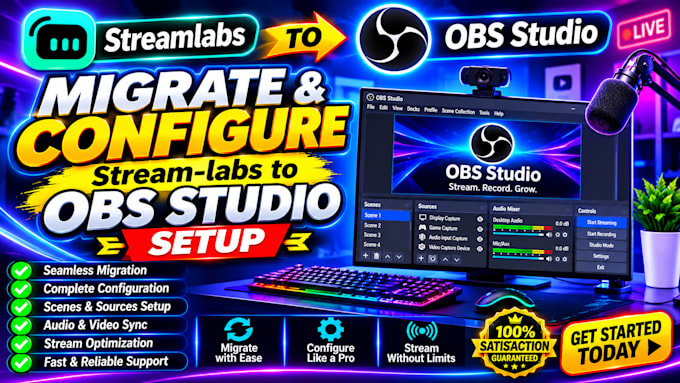
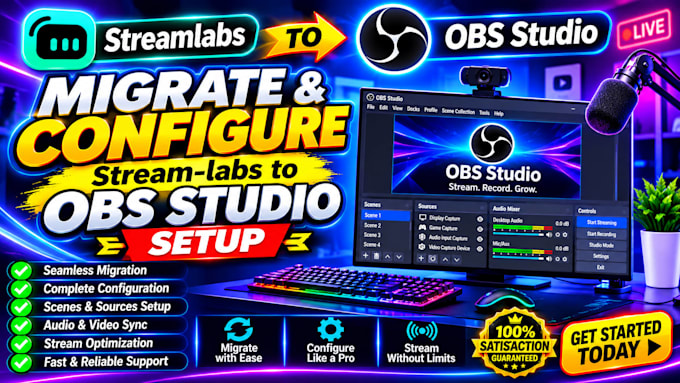
Are you looking to move from Streamlabs Desktop to OBS Studio without losing your streaming setup?
I'm here to help!
I will migrate and configure your Streamlabs setup to OBS Studio, ensuring your scenes, sources, overlays, and essential streaming features work properly.
My services include:
Whether you're a beginner or an experienced streamer, I'll provide a clean, organized, and reliable OBS setup tailored to your needs.
Let's make your streaming experience smoother and more professional. Order today!
Software:
Streamlabs OBS
Platform:
•
Twitch
•
YouTube
•
Kick
Purpose:
Gaming
•
Music
•
Lifestyle
•
Business
•
News
•
Streamshare
•
Webinar
Q1. Can you migrate my existing Streamlabs scenes to OBS Studio?
Yes! I can import your existing scene collections and help reconnect missing sources and media files.
Q2. Will I lose my existing overlays and alerts?
I will work to preserve your existing overlays and alerts. Some widgets may require manual reconnection or reconfiguration.
Q3. Can you configure my microphone and webcam?
Absolutely! I can configure your microphone, webcam, audio filters, and related OBS sources.
Q4. Do you support Twitch, YouTube, and Facebook Live?
Yes! I can configure OBS for supported streaming platforms, including Twitch, YouTube, and Facebook Live.
Q5. Can you fix OBS lagging and audio problems?
Yes! I can troubleshoot common OBS performance, audio, video, and streaming configuration issues.
Q6. Do I need OBS Studio installed before ordering?
No. I can guide you through downloading and installing OBS Studio before beginning the configuration.
Q7. Can you also configure recording settings?
Yes! I can configure recording resolution, format, encoder, audio, and output settings.
Q8. What do you need from me to get started?
I need your current Streamlabs setup details, computer specifications, preferred streaming platform, and the features you want migrated.